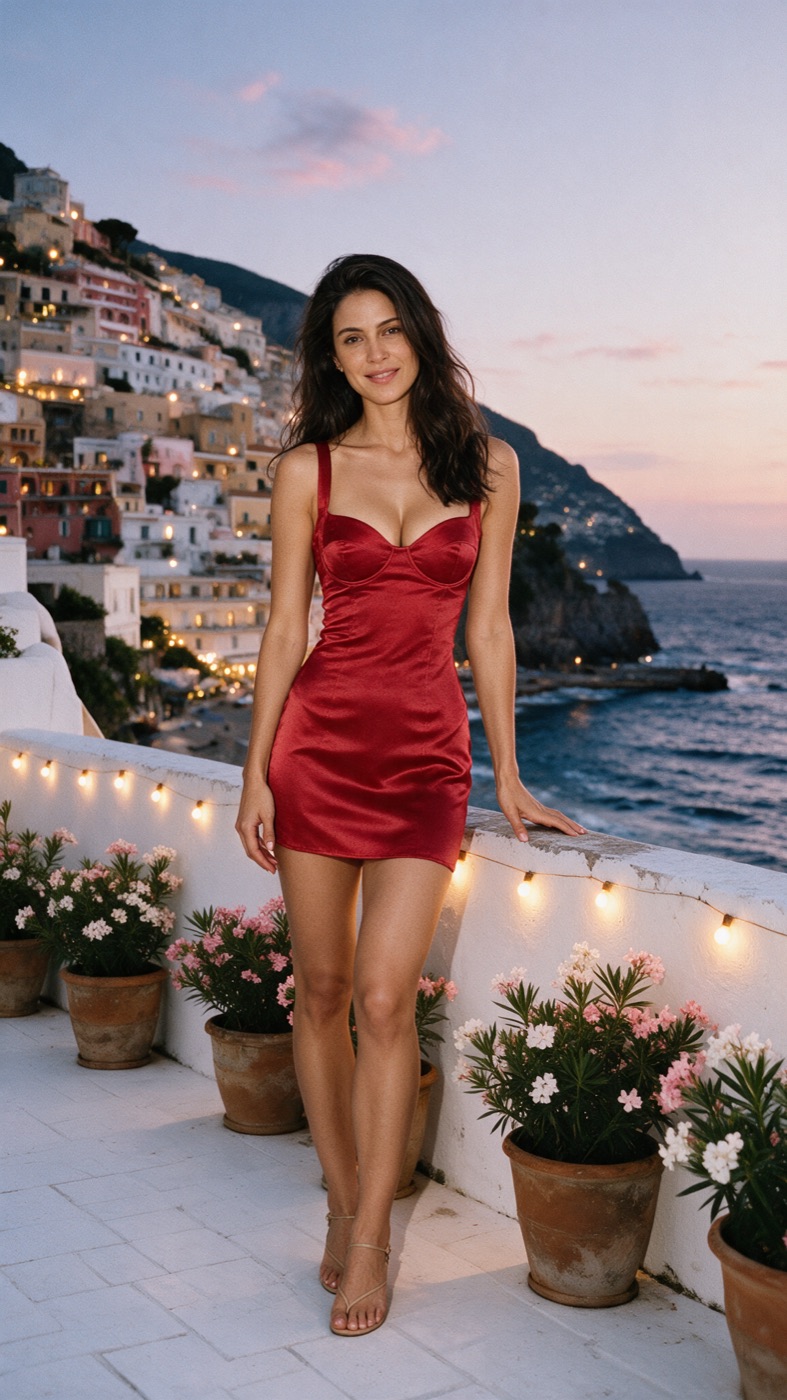
AI fashion imagery
Stop asking one prompt to do everything. Build the character and the location separately, then bring them together into an image that looks art-directed.
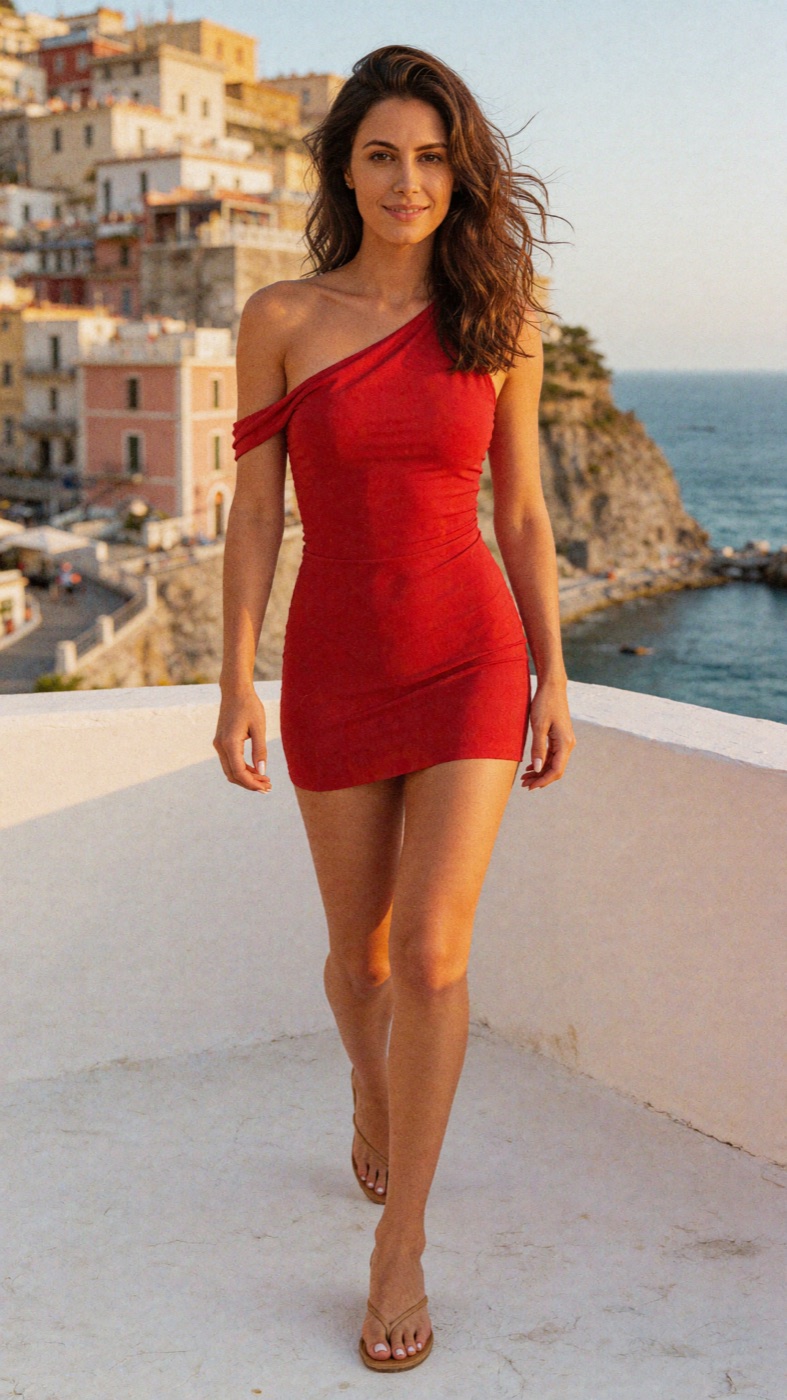
This image started as two.
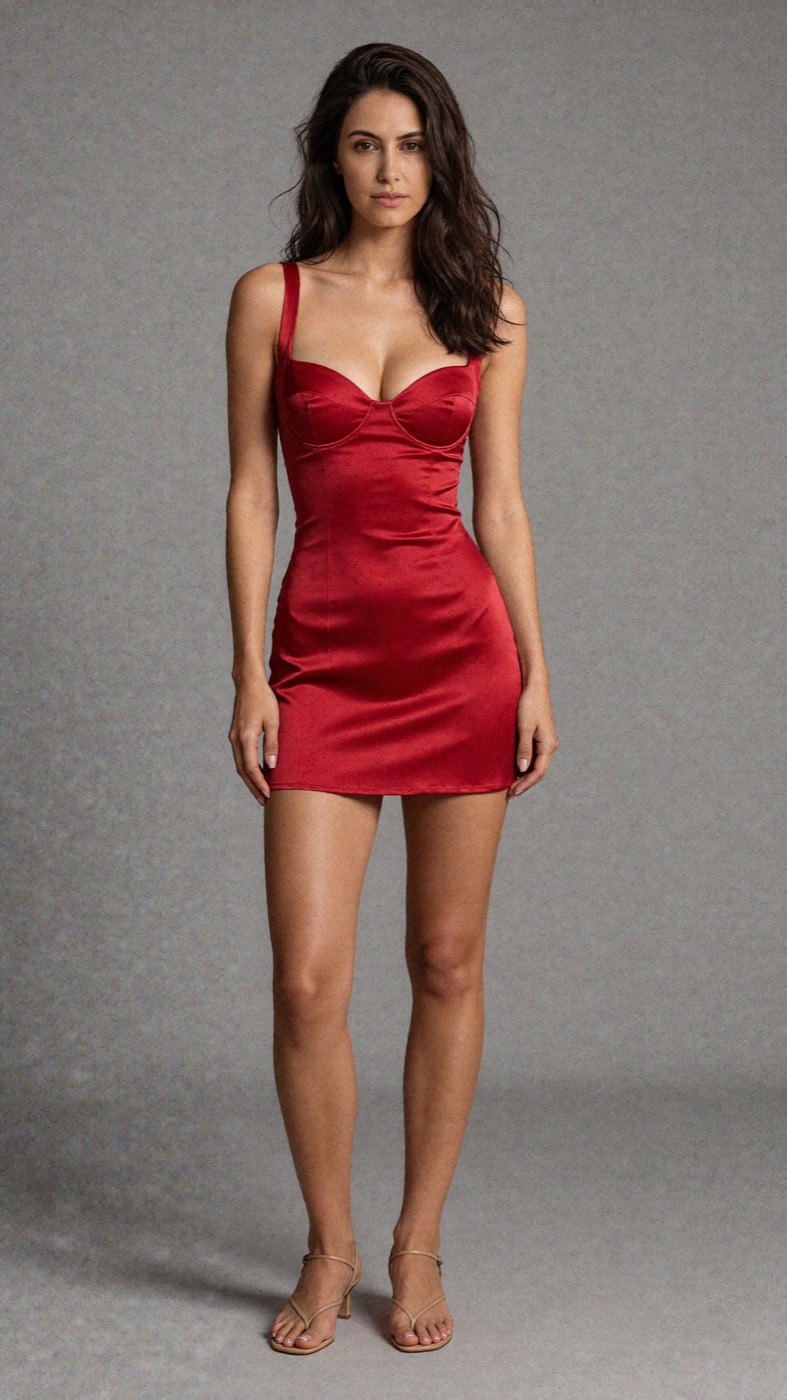
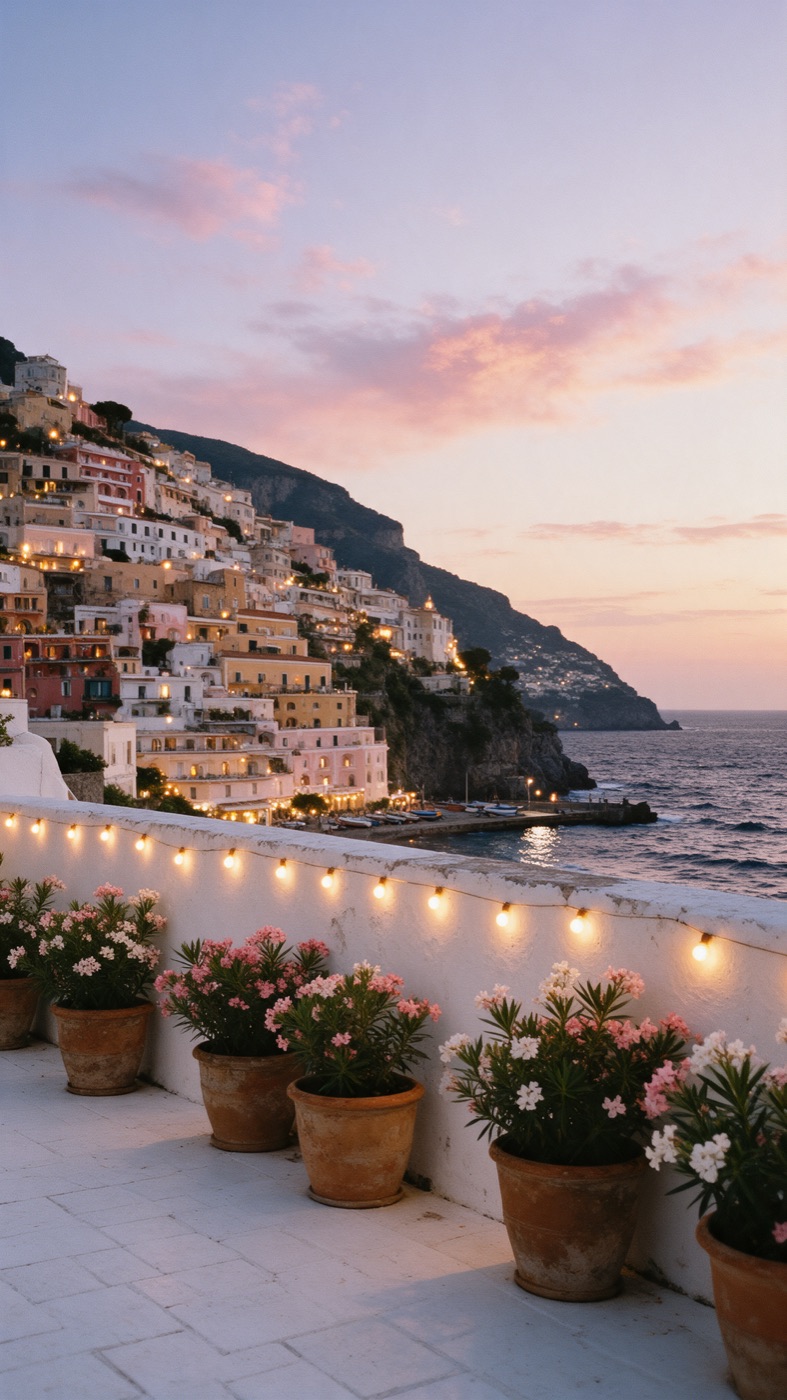
The Positano shot at the top of this page wasn't one lucky prompt. The dress was set on a plain backdrop, the terrace was made empty, and only then did they meet.
What you'll walk away with
A layered method
A clear order for making characters, backgrounds and finished shots, so each one can be fixed without redoing the rest.
Outfits that hold
Prompt patterns for hems, straps, fabric and sides, the details that tend to change between images.
An art director’s eye
A checklist for light, contact shadows, hands and fabric, so you can tell what is off and why.
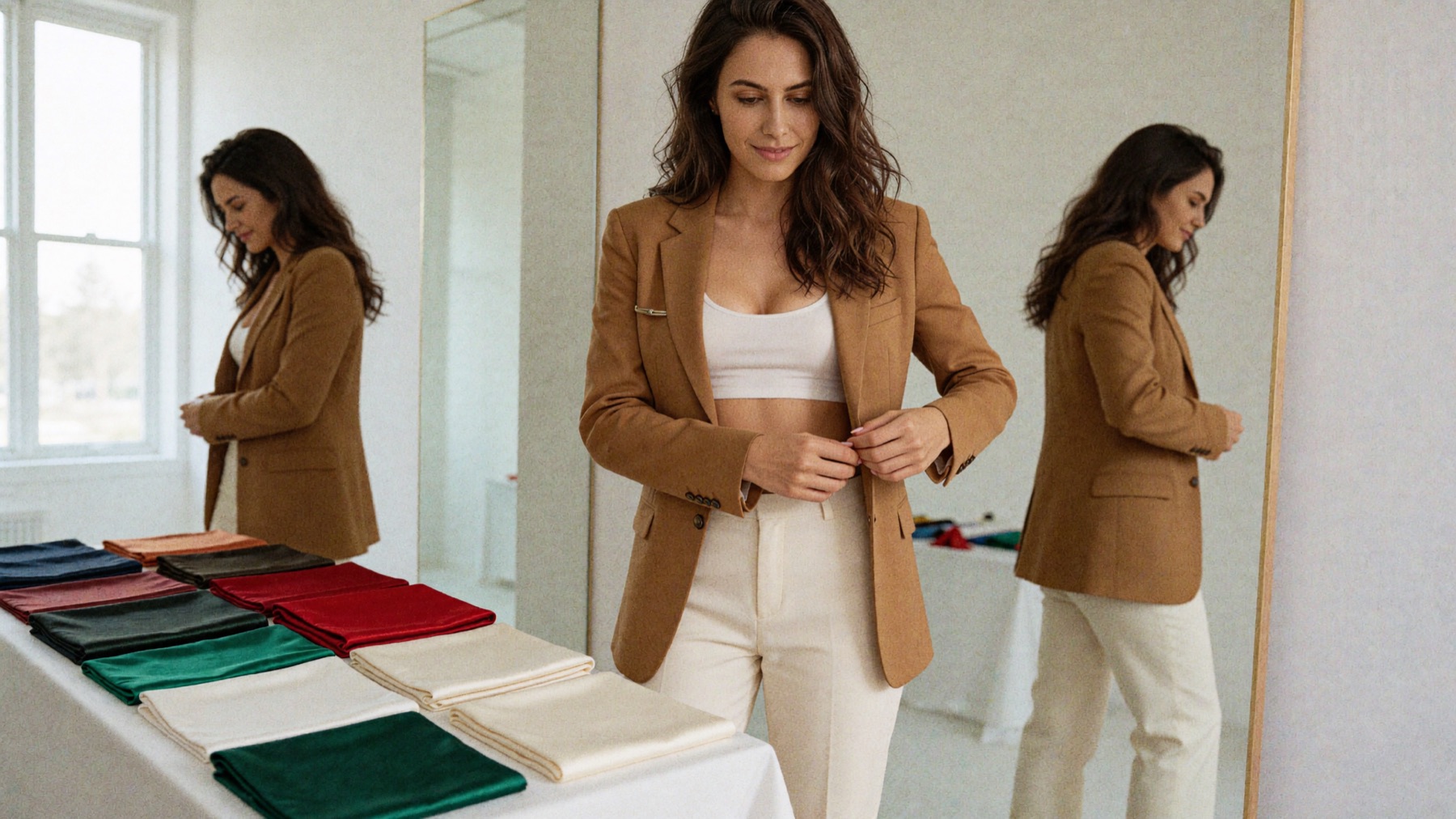
Build it in layers
Each part adds one layer, and each layer gives you one less thing left to chance.
-
Part 1
See like a stylist
Choose the outfit, location and light for a shot before you write a prompt.
-
Part 2
Write the character base
Set the outfit and pose on a plain studio backdrop, spelling out hems, straps and sides.
-
Part 3
Add the angles
Make three-quarter, profile and back views from one master image, so the garment stays the same.
-
Part 4
Build the background
Generate empty, specific locations with a named place and a named hour.
-
Part 5
Combine them
Bring character and background together, with matching light and real contact with the ground.
-
Part 6
Art-direct the finish
Fix fabric, hands, expression and small realism details, and know when to start again.
-
Part 7
Stay in the rules
Label AI images clearly and keep your fashion work within platform rules.
Is it for you?
- Want your AI images to look art-directed rather than random
- Keep losing the outfit when you change the location
- Would rather learn one reliable workflow than collect prompts
- Want to dress up images of real people without their consent
- Plan to present AI images as real photography
- Are looking for guaranteed clients or income
Questions
When does it open, and how much is it?
The date and price aren't set yet. Message “COURSES” on Instagram to hear when they are.
Do I need to take the “Build your AI model” course first?
Having a consistent character helps, because this course builds on one. Build your AI model covers how to create her.
Will this get me clients or income?
It teaches the craft of making AI fashion images. It doesn't promise clients, followers or income.
Is Aurora a real person?
No. Aurora is an AI-generated character, and every image of her on this page is AI-generated.
Want in when it opens?
Send one word on Instagram and you'll be on the list for the date and price.
Message “COURSES” to join the list